




JR.EN.1.Scratch and AppInventor
through the creation of interactive games and applications. Block-based
programming seamlessly combines simplicity, creativity, and deep
computational thinking. To facilitate this learning journey, students will
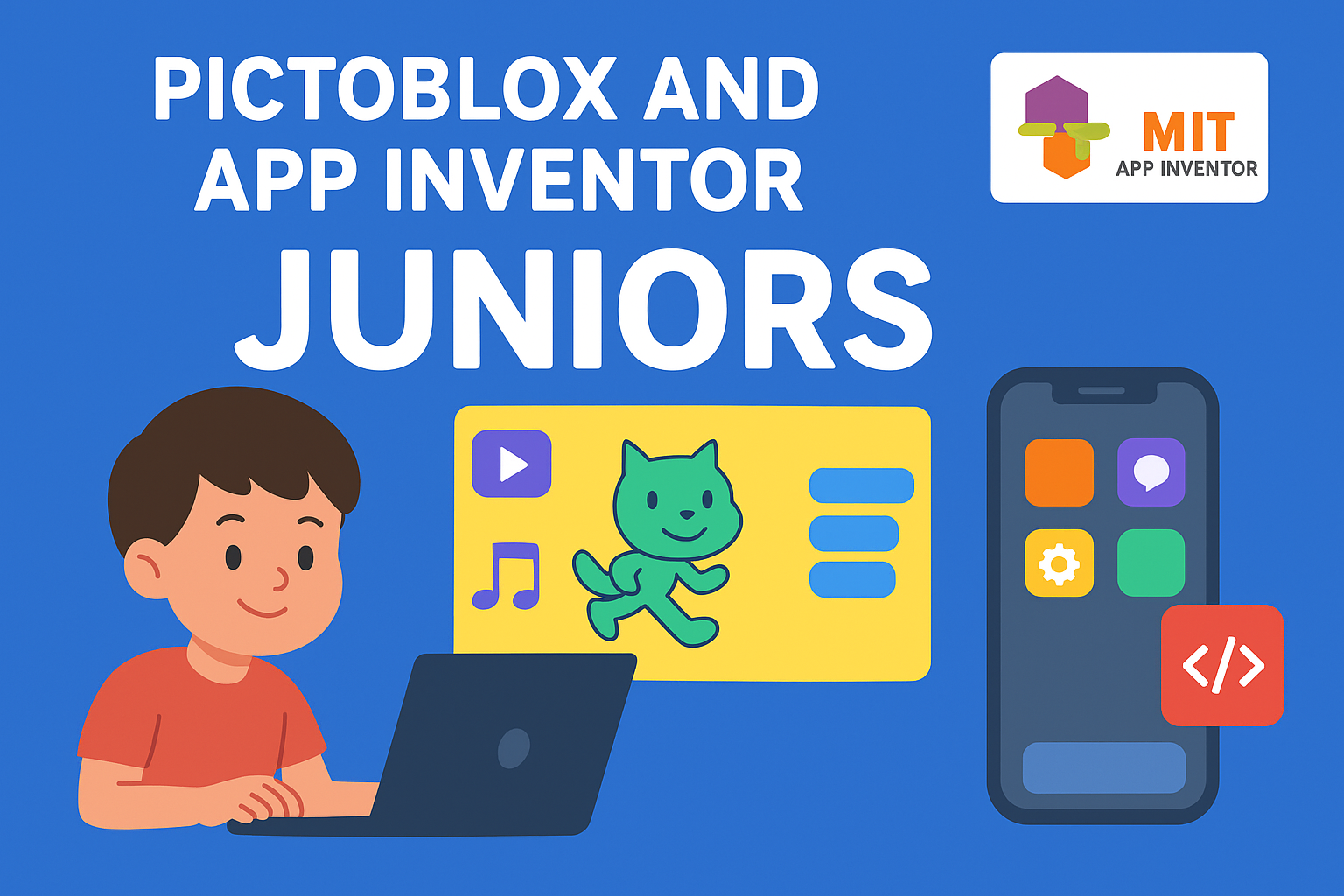
explore Pictoblox and MIT App Inventor as core development tools
throughout this 12-session program, equipping them with essential
programming skills in a hands-on, interactive environment.

N/A
About This Course
Pictoblox:
Six sessions of learning programming concepts using them to make many games:
- Program Sequence
- Events
- Loops
- Conditions
- Variables
App Inventor:
App inventor: Six sessions of using programming concepts to build useful
and real mobile applications with understanding the following concepts:
- User interfacing
- Sensors
- Gestures
- Accessing mobile Camera, video in Apps
Curriculum Overview
This course includes 12 modules, 12 lessons, and 24:00 hours of materials.
Session 1: Introduction to programming
What is programming?
What is Pictoblox and its screen partitions?
Add, delete and change Sprite and backdrops
Costumes and basic blocks to create a simple project
Add, delete and change music
How to save the project to your computer?
Session 2: Animals Sounds
- Meaning of events in programming and Pictonlox
- Mouse events
- Keyboard eventsis
Session 3: Session3: Hen and chick
- Loops in programming
- Loops Type
- Practice in loop
Session4: Hungry shark
- oard How to move sprite using mouse pointer?
- More practice in Loops
- If
- Variables
Session5: My favorite food
- X, Y coordinates
- Comparisons
- More practice in loop and if conditions
Session6: Revision in Pictoblox
- Make a simple and funny quiz and revision to
- retrieve all information before the next step.
Session7: Introduction to Mobile Apps
- What is the meaning of Applications?
- Mobile applications
- What is App Inventor
- App Inventor windows
- Buttons in Applications
- Change button color, shape, size, image and more
- Change Screen color or background
- Button programming
- Download your app to the mobile phone
Session8: Learning numbers app
- Benefit of this app: make a useful app to teach
- kids how to write and spell English numbers
- Design the app using buttons & text to speech
- What is text to speech?
- Use buttons to control text to speech
- How to download the app at your phone?
Session9: Simple calculator app
- Benefit of the app: make a simple
- calculator and use it to add or subtract
- What is textbox?
- Design the app
- Use math blocks to add and subtract.
Session10: Guess the word App
- Benefit of the app: make a thinking game
- Adding buttons, text to speech and background image
- How to use logic blocks to make a comparison
- How to make computer make different decisions using if
Session11: Paint App
- Benefit of the app: make a painter and paint some
- funny things using it
- Design the app using Buttons, horizontal
- arrangement
- Using canvas
- Using the accelerometer sensor to clear the paint
- Blocking time
Session12: Camera App
- Benefit of the app: make an application which
- can access your camera and store your photo.
- Accessing camera by "Camera component"
- Using "Tiny DB" to store images
Course Specifications

join our 3C community


Take the First Step Towards Mastery!
Contact US


Reply to Comment